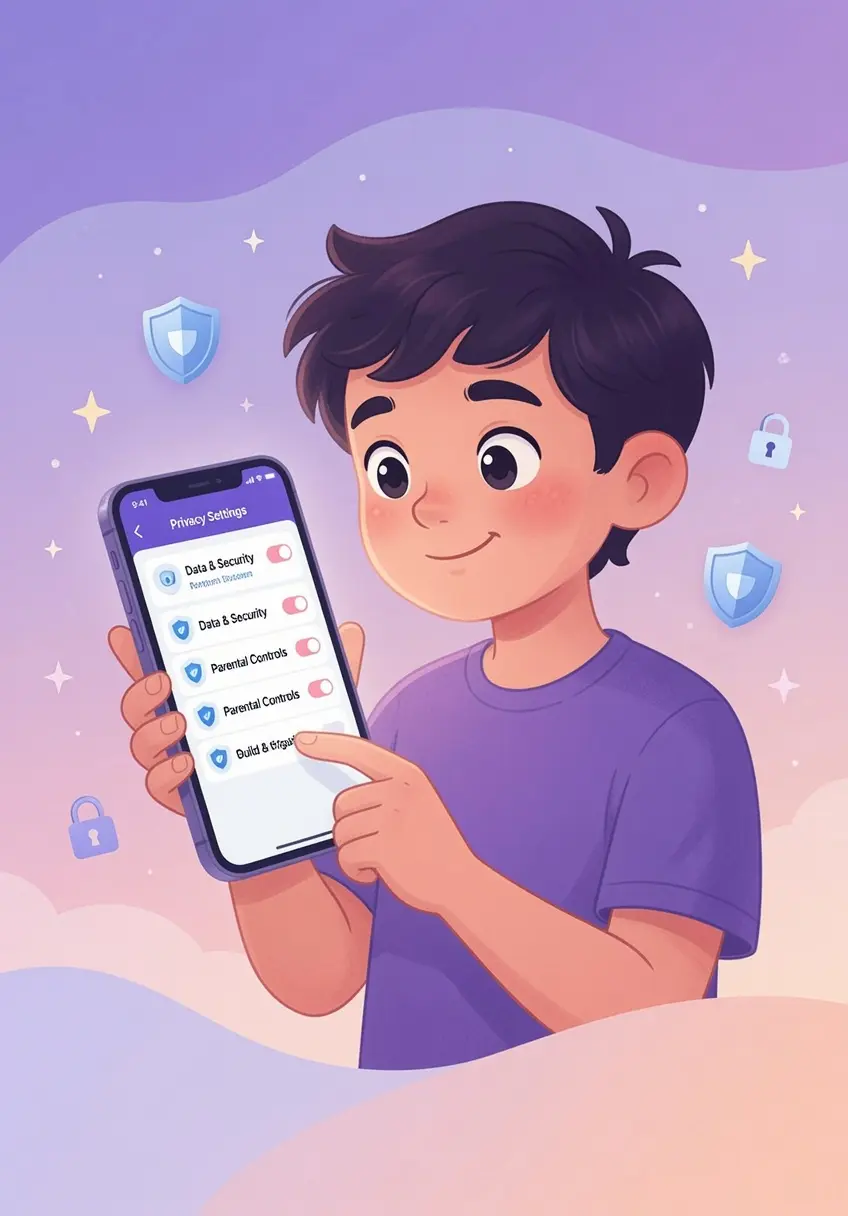

Auditing Privacy for an 8-year-old at Sleepovers
Understanding the Privacy Landscape
Summer sleepovers often involve shared device time, where children may access apps they do not typically use at home. For an 8-year-old, the social pressure to join in on a game or video chat can lead to unintentional data sharing or exposure to inappropriate content. An audit of app privacy settings is not about total restriction; it is about establishing a secure baseline before your child enters an environment where you cannot directly supervise their activity.
The Importance of Pre-Sleepover Audits
At age eight, children are beginning to understand that information shared online is permanent, but they lack the experience to anticipate how that information might be used. They may unknowingly grant location access, permit data tracking for advertising, or join public chat groups. A quick audit before they leave home ensures that their device settings align with your family privacy standards, reducing the risk of accidental exposure while they are away.
Practical Steps for a Privacy Audit
Walk through your child's primary device and check the following areas together. Frame this as a security check rather than a policing action.
- Location Services: Disable location access for any app that does not strictly require it to function. If an app needs location, set it to while using the app rather than always allow.
- Ad Tracking and Personalization: Review the settings for ad tracking. Many platforms use this data to build profiles based on your child's activity. Restrict these permissions to minimize the collection of behavioral data.
- Social and Communication Settings: Many games have chat functions that are enabled by default. If your 8-year-old is using a game, verify that chat settings are set to friends only or disabled entirely. Explain that this is to keep their experience focused on the game rather than on communicating with strangers.
- Cloud Backups and Synchronization: Ensure that photos or documents are not automatically syncing to public cloud accounts that could be accessed by others if the device is lost or left unsecured.
Communicating with Your Child
Use the audit as a teaching moment. Explain the concept of digital boundaries to your 8-year-old. Tell them that just as they would not share their home address with a stranger, they should not share their personal information through app permissions. If a friend at the sleepover asks them to enable a feature you have restricted, teach them to say that their parents have set the device to safe mode for gaming.
Discussing Boundaries with the Host Parent
It is reasonable to ask the host parent about their rules for screen time. You do not need to demand a change, but you can share your family's approach. By saying something like we have our tablet set to friends-only mode for games to keep things simple, you set a clear standard that your child can refer to if they feel uncomfortable with the activity.
Conclusion
Preparing for a sleepover by auditing privacy settings helps your 8-year-old navigate digital social situations with confidence. By taking these small, practical steps, you provide your child with the digital armor they need to focus on having fun with their friends while keeping their personal information secure.