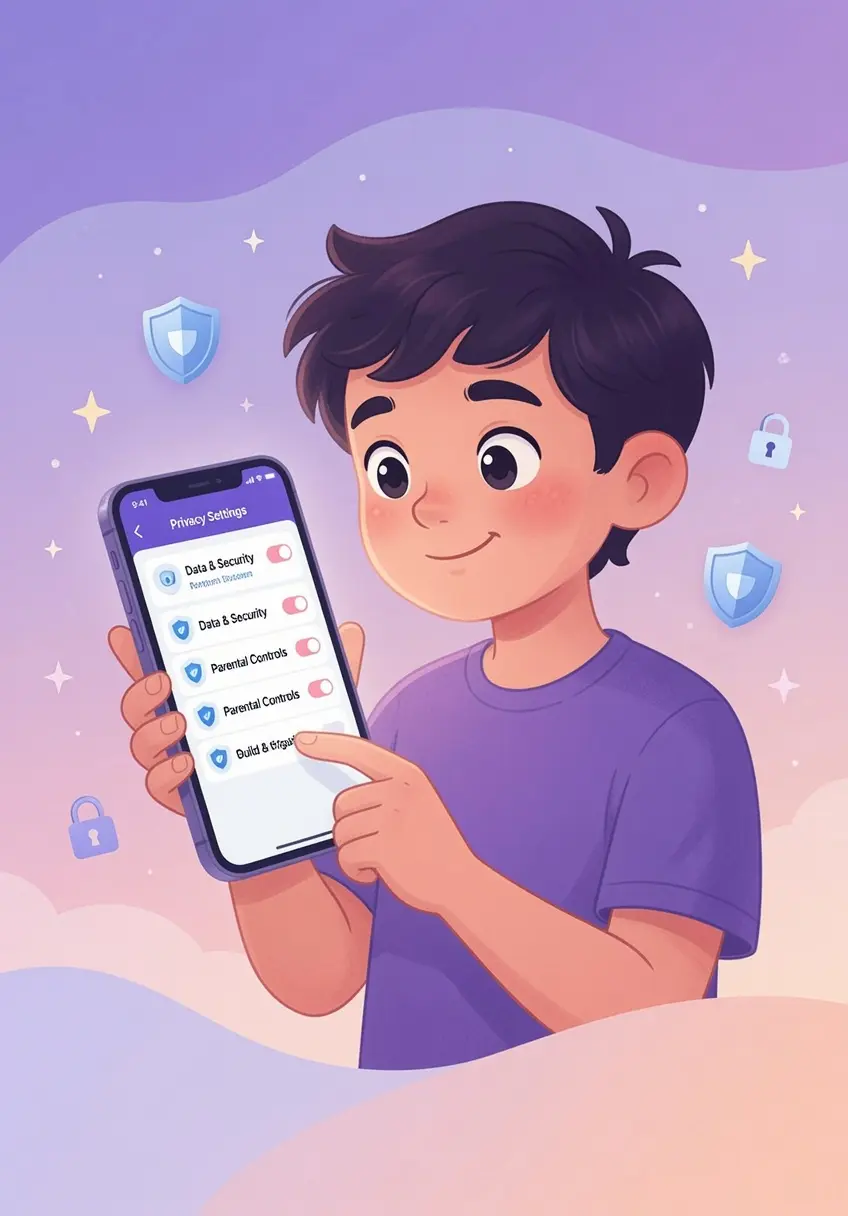

Privacy Audits for a 10-Year-Old Before Sleepovers
The Importance of Proactive Privacy Audits
At ten years old, children are increasingly social and eager to share digital experiences with friends. Summer sleepovers offer prime opportunities for kids to experiment with new apps or games, often without considering the privacy implications. As a parent, performing an audit of your 10-year-old's device before they head to a sleepover is a critical step in maintaining their digital security. This preparation allows you to identify potential risks and set boundaries while the child is still in a controlled environment.
Understanding the 10-Year-Old Digital Landscape
Ten-year-olds are at a developmental point where peer influence is powerful. They may feel pressured to download apps that their friends use or share personal information to fit in. Privacy settings are often complex and designed to maximize engagement rather than protection. By reviewing these settings together, you help your child understand that privacy is not about secrecy, but about controlling who has access to their data and interactions.
Auditing Apps for Privacy Risks
Before any sleepover, dedicate time to walk through your child's installed apps. Focus on these areas:
- Location Sharing: Disable unnecessary GPS access, especially for apps that do not require it for core functionality.
- Profile Visibility: Ensure their profiles are set to private or friends-only, preventing strangers from contacting them.
- Data Permissions: Review what each app can access, such as contacts, microphone, or camera. If an app does not need these to function, revoke access.
- In-App Purchasing: Lock down purchasing options to prevent accidental or unauthorized transactions during a high-energy group setting.
Discussing Boundaries With Your Child
Instead of simply changing settings, use the audit as a teaching moment. Ask your child what they think a stranger might learn about them if their profile were public. Explain how location tags can pinpoint their physical whereabouts. When they understand the 'why' behind the rules, they are more likely to respect the boundaries when you are not there to monitor them. Encourage them to come to you if a peer pressures them to change a setting or share private information.
Practical Steps for Parents
Actionable steps make the process clearer for both you and your child:
- Unified Audit: Set a regular time, perhaps the day before the sleepover, to conduct a quick sweep of settings.
- Open Dialogue: Ask your child if they have encountered anything in their favorite games that made them feel uncomfortable or suspicious.
- Trusted Sources: Agree that they will only download new apps with your prior approval, regardless of whether a friend recommends them.
- Transparency: Explain that these rules apply to everyone in the family, which helps normalize the process and reduces the feeling of being singled out.
Navigating Peer Pressure During Sleepovers
It is common for children at this age to face peer pressure to ignore digital safety rules. If your child feels uneasy about a specific app or activity their friends are engaged in, discuss strategies for declining gracefully. Role-play scenarios where they can say something like, 'My parents have strict rules about this app, and I don't want to get in trouble,' or 'I prefer not to share that information.' Equipping your child with a clear, socially acceptable reason to opt out empowers them to stick to the safety standards you have established.
Sustaining Long-Term Digital Security
Establishing this habit of auditing app settings before events creates a foundation for long-term digital competence. As your 10-year-old matures, they will become more adept at managing these risks themselves. By staying involved and maintaining an open line of communication, you guide them through the complexities of the digital world without needing to control every aspect of their interaction. Ultimately, the goal is to help your child navigate the digital landscape with confidence, awareness, and a clear understanding of the value of their own privacy.