Transitioning Your 10-Year-Old to Digital Creation
The Shift to Digital Creation
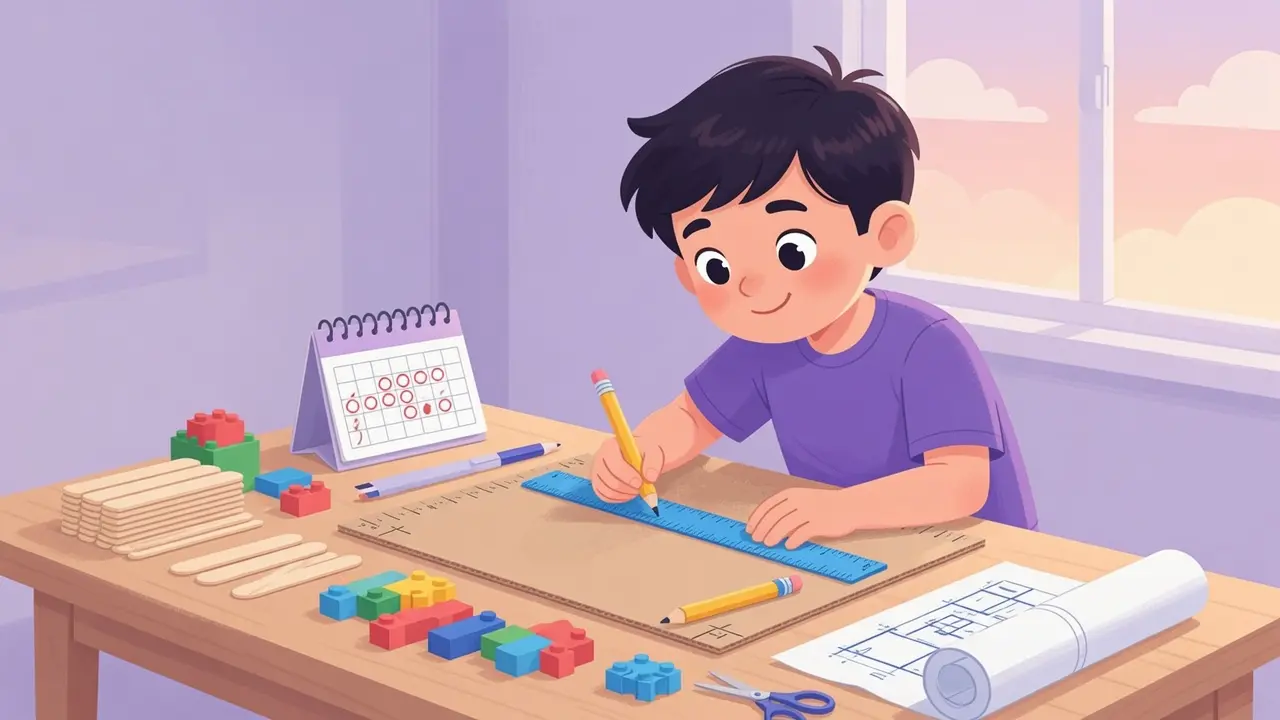
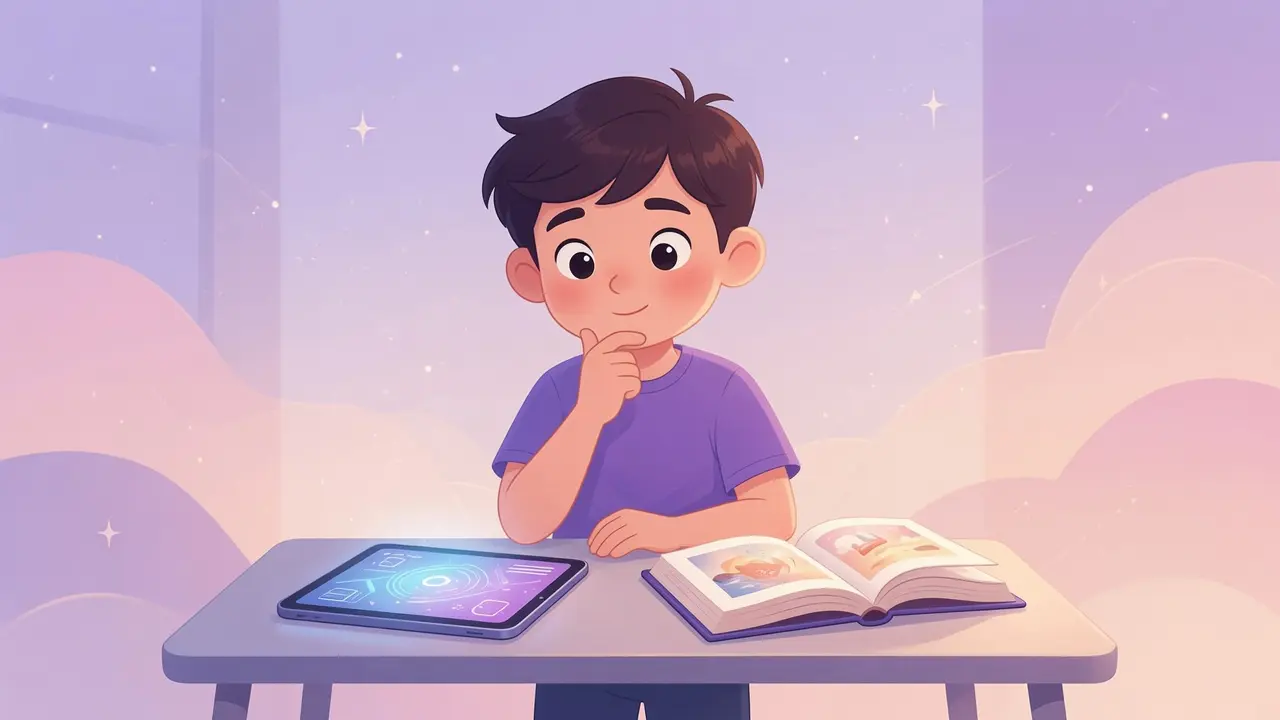
At ten years old, children are capable of sophisticated technical tasks if they possess a clear goal. Many children in this age group rely on YouTube for passive entertainment, often spending hours consuming content without significant cognitive engagement. Transitioning a 10-year-old to active digital creation requires shifting their perspective from viewer to producer. By framing digital tools as instruments for building, you empower your child to interact with technology in ways that demand planning, logic, and iterative improvement.
Understanding the 10-Year-Old Mindset
Ten-year-olds are at a developmental stage where they value competence and tangible results. They appreciate projects that offer visible progress and clear challenges. When they understand the mechanism behind a video or game, the allure of passive consumption diminishes. Focus on identifying their existing interests, whether gaming, art, or storytelling, and introducing software that allows them to apply those interests in a creative capacity. This bridge between consumption and creation transforms their relationship with the screen.
Moving from Passive to Active
Rather than abruptly restricting YouTube, use it as a learning resource for creation. If your 10-year-old watches tutorials, ask them how they could apply those techniques to their own project. Challenge them to create a short animation, a game level, or a digital music track using accessible software tools. Encourage them to document their process, perhaps by creating their own tutorial once they master a new skill. This approach reinforces the concept that digital tools are for building, not just consuming.
Concrete Project Ideas for 10-Year-Olds
Provide your child with structured, manageable projects to build their confidence:
- Video Editing: Use simple software to compile their own footage into a narrative rather than just watching others do it.
- Game Design: Use visual coding platforms to create a playable level instead of just playing established games.
- Digital Art: Utilize tablet software to illustrate a scene from a book they are reading, focusing on specific techniques.
- Audio Production: Create a short podcast episode or a voice-over for a video, focusing on scripting and sound design.
Facilitating Success Through Support
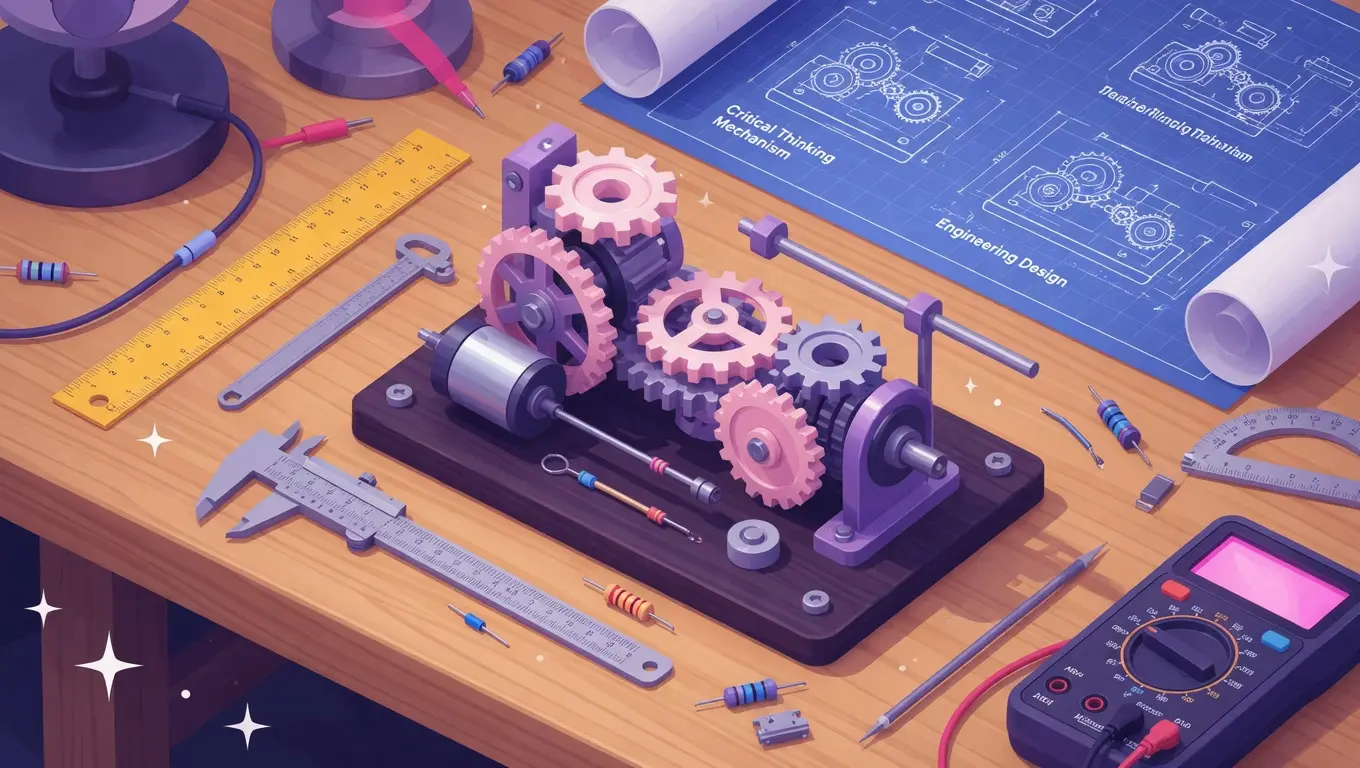
Your role is to provide the framework, not to do the work for them. Help your child navigate software interfaces, troubleshoot errors, and maintain focus when a project becomes difficult. When they encounter a frustration point, ask questions that lead them to the solution rather than providing the answer. This fosters a problem-solving mindset and helps them realize that mistakes are a necessary part of the creative process. By maintaining this supportive but hands-off posture, you enable your 10-year-old to take true ownership of their digital work.
Setting Expectations and Boundaries
It is important to clearly define the time allotted for creation versus the time allotted for entertainment. When your child understands that they have a specific window for creation projects, they learn to allocate their energy accordingly. Discuss the value of their finished projects to reinforce that their efforts have meaning. Whether they share their work with family or keep it as a personal achievement, the focus remains on the satisfaction gained through productive output. This practice ensures that their digital life is balanced, rewarding, and deeply rooted in their own creative development.